
SSC Sign Resizer (10KB – 20KB)
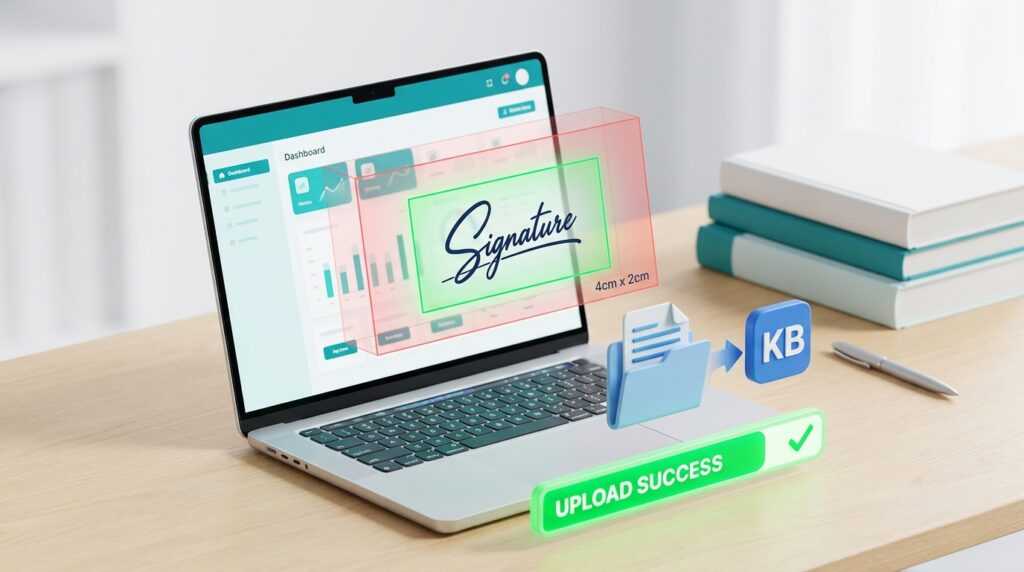
SSC Sign Resize | SSC Sign Resizer | SSC Signature Resizer
Hey Everyone, I am Akshay Bhardwaj. Like many of you, I am deeply involved in the SSC preparation phase. I recently cleared the SSC CPO prelims exam, and right now, I am preparing hard for both the SSC CPO Mains and the upcoming SSC CGL exam.
During my form-filling process, I realized how annoying it is to get the signature size exactly right. The SSC portal is very strict. If your signature is even 1 KB over the limit or has the wrong dimensions, the portal rejects it. Worse, your application could get rejected entirely later on.
Because I am going through this exact process with you, I wanted to create a practical solution. Below, you will find a complete guide to the official signature requirements, followed by an interactive, 100% accurate SSC CGL Signature Resizer tool built right into this page. You can upload your signature, adjust the dimensions, and compress it to the exact 10 KB–20 KB window.
Read More - SSC CGL 2026 Category Certificate Rules Explained – OBC, EWS, SC/ST.
Table of Contents
SSC CGL Signature Upload Tips - Clear the Form without Rejection
When we prepare for exams like SSC CGL, we focus entirely on math, English, reasoning, and general awareness. But a small mistake in the application form can ruin months of hard work. Every year, thousands of forms get rejected because of incorrect photograph or signature uploads.
Let us look at exactly what the Staff Selection Commission (SSC) asks for, and how to fix your signature file in seconds.
The Official SSC CGL Signature Criteria
According to the official exam notifications, your signature must meet these precise technical metrics -
- File Format - JPEG or JPG only. (Do not upload PNG or PDF files).
- File Size - Between 10 KB and 20 KB.
- Image Dimensions - Width of 4.0 cm and height of 2.0 cm.
- Signature Style - Sign on a clean, unlined piece of white paper. Use a clear black or blue ink pen.
Important Warning - Do not sign in capital/block letters. The SSC explicitly states that signatures in all capital letters will be rejected instantly. Sign naturally.
Why Your Application Might Get Rejected
As someone who actively monitors exam notifications and forums, here are the top reasons why SSC rejects signatures -
- Blurry Images - If you try to make a tiny image larger, it pixelates. If the digital system cannot read your name, it flags it.
- Shadows and Backgrounds - Taking a photo of your signature in a dark room makes the background gray or yellow. The background must be pure white.
- Wrong Aspect Ratio - Stretching a wide signature to make it vertical makes it unreadable.
How to Use the Resizer Tool Below
To make things simple for everyone, I designed the tool below to handle the heavy lifting. Here is how to use it -
- Upload - Take a clean photo of your signature on white paper and upload it.
- Crop & Scale - Use the width and height controls to scale the image closely around your signature strokes. Avoid leaving too much empty white space.
- Quality Check - Adjust the compression slider to ensure the final output stays securely between 10 KB and 20 KB.
- Download - Save the final JPG file, and it is ready for the official SSC portal.
ssc cgl 2026 last date to apply
The last date to submit your online application for the SSC CGL 2026 exam is June 22, 2026.